“More features” does not always mean “more auctions.”
Sit through any auction-software demo and you’ll get the feature firehose: dashboards inside dashboards, modules, integrations, add-ons, custom fields, workflow rules, hidden settings panels, training plans to learn the training plan. By minute thirty, the room is impressed. By month three, the team has stopped using two-thirds of it.
If you’ve ever watched a clerk hunt for the right screen in a busy live sale, or a consignor stare blankly at a registration form with twelve optional fields, you already know the cost. Auction software gets graded on demos but earns its money on Saturdays.
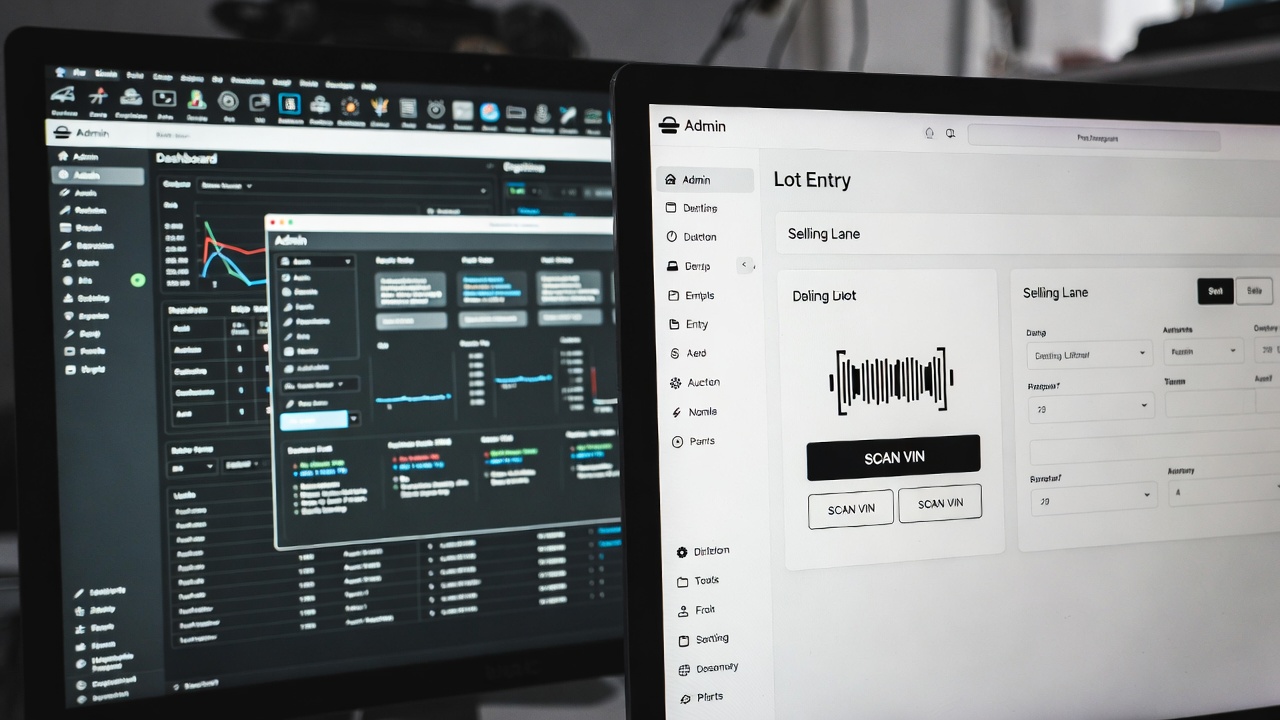
How auction software gets bloated in the first place
Bloat isn’t laziness. It’s the predictable result of how most auction platforms grow:
- A big customer asks for a feature. The vendor builds it.
- A different customer asks for the opposite behavior. A toggle is added.
- An integration partner gets added. Now there’s a settings page for the integration.
- A board member wants a metric. A new report appears in a new tab.
- Multiply that pattern by ten years and a thousand customers.
Nobody on the platform side is incentivized to remove anything. Every feature has at least one user who’d notice if it disappeared. So the system grows like a junk drawer with a search bar bolted on.
The problem isn’t that any one feature is bad. The problem is that your two-person clerk team has to walk past every one of them to do the seven things that actually run the sale.
The cost most teams never measure
The hidden cost of a bloated platform isn’t the monthly subscription. It’s the friction:
- Onboarding cost. A new clerk should be useful in days, not weeks. Bloated systems push that to months.
- Switching cost during a live sale. Every extra click, every modal, every screen with optional fields is overhead the auctioneer pays in real time.
- Error cost. Complex software produces complex mistakes. A wrong setting in a dashboard nobody opened in six weeks can quietly invoice the wrong buyer.
- Decision fatigue. When everything is configurable, every Monday someone is asking, “wait, did we set this right?” Decisions that should be automatic become weekly meetings.
None of that shows up on the invoice. All of it shows up in your sell-through rate, your team’s morale, and the calls you take from confused consignors.
Real example: the two-person auction team that bought back its Saturday
A small construction-equipment auctioneer we’ll call Mike’s Iron ran on a major “all-in-one” platform for two years. The platform had everything: live simulcast, timed, sealed bid, reserve management, three flavors of buyer fee, extended bidding rules, two reporting dashboards, and a CRM module that integrated with five different email systems.
His team used about 18% of it.
What they actually did, every sale: list lots, register bidders, run the sale, invoice winners, reconcile the deposit. Five things. The other 82% was either off, ignored, or actively in the way — the registration form alone had fifteen fields, eight of which his bidders skipped or filled in wrong.
When they switched to a simpler tool, the lot-entry workflow dropped from 11 fields to 6. Bidder registration went from 4 minutes to 90 seconds. The biggest measurable result wasn’t in the software at all: their phone rang less on auction day, because confused bidders had stopped calling for help.
“The best part is no part. The best process is no process.”
— Elon Musk, on engineering principles
Musk’s rule was meant for hardware, but it applies cleanly to software your team has to operate weekly. Every part — every field, every screen, every toggle — has a maintenance cost. The strongest version of any system is the one with the fewest parts that still does the job.
What “enough” looks like in auction software
For most auction businesses, the actual job fits on one whiteboard:
- List inventory. Title, description, photos, reserve, lot number. Done.
- Register bidders. Name, email, phone, payment method. The minimum needed to take a bid and collect on it.
- Run the auction. Live, timed, simulcast, silent — whichever fits the sale.
- Invoice buyers. Itemized, with buyer premium and tax, sent automatically.
- Settle consignors. Net of the seller premium, with a clean statement.
That’s the auction. Anything beyond that is either a real productivity boost or feature padding wearing a marketing badge. The honest test: would removing this feature change Saturday’s outcome?
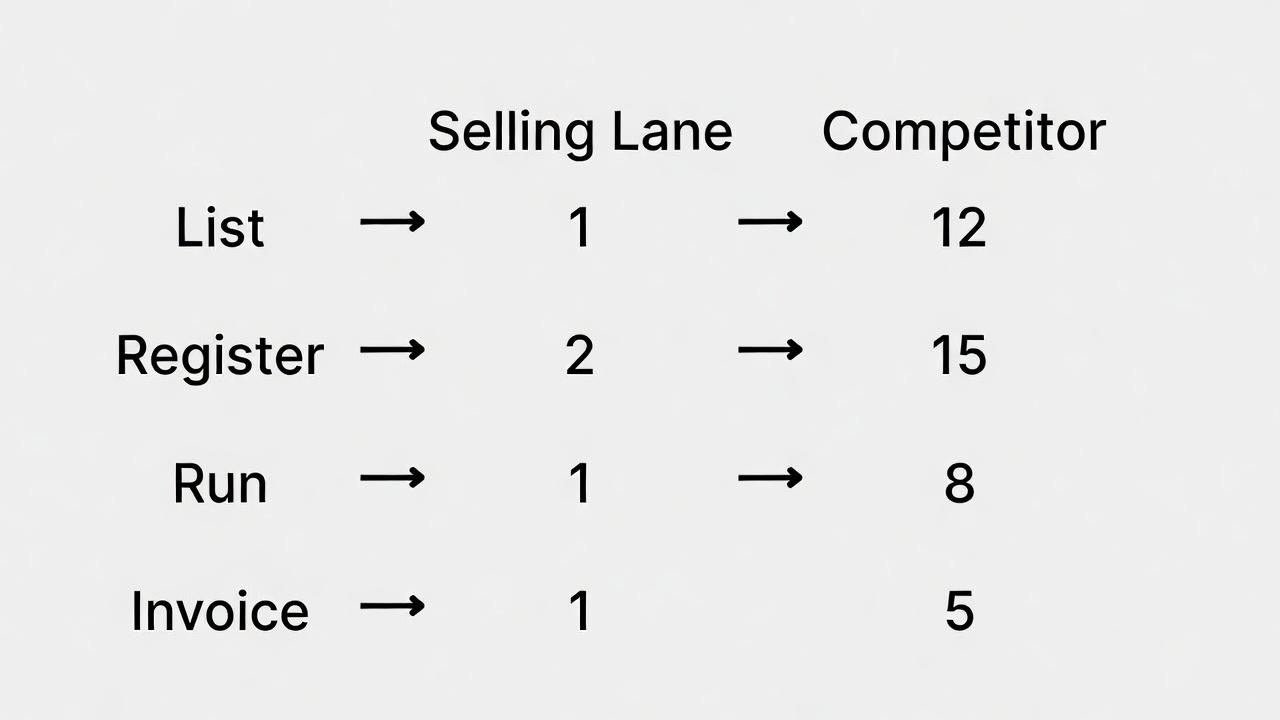
A 90-second workflow check
If you’re not sure whether your platform is helping or hurting, run this exercise on Monday:
- Time how long it takes a clerk to enter one lot end-to-end. Anything over 90 seconds means too many fields.
- Time how long bidder registration takes from the bidder’s side. Anything over 2 minutes means too many fields, too.
- Count the screens a clerk has to touch on auction day to mark a lot “sold.” Three or fewer is healthy. Six or more is bloat.
- Ask your team: which features have you used in the last 30 days? The honest list is usually shorter than the demo deck.
Whatever didn’t make that list isn’t free — it’s training cost, error cost, and slow-Saturday cost in disguise.
How Selling Lane keeps the focus where it belongs
Selling Lane was built to do those five jobs and stay out of your way the rest of the time:
- List, register, run, invoice, settle — in that order, with the smallest field set that still works.
- One flat monthly fee for unlimited auctions, lots, and staff. No per-feature upcharges that quietly nudge you toward more complexity.
- Features grouped around the workflow, not the org chart of the company that built them.
- Every page is loud about what matters and quiet about what doesn’t.
If you want to see the workflow for yourself, the 5-minute walkthrough covers the whole arc end-to-end. If you want to see what removing the bloat does to your bill, run the savings calculator.
The goal of auction software isn’t to be impressive. It’s to be invisible — so your team can stop fighting the tool and go run the sale.