Overview
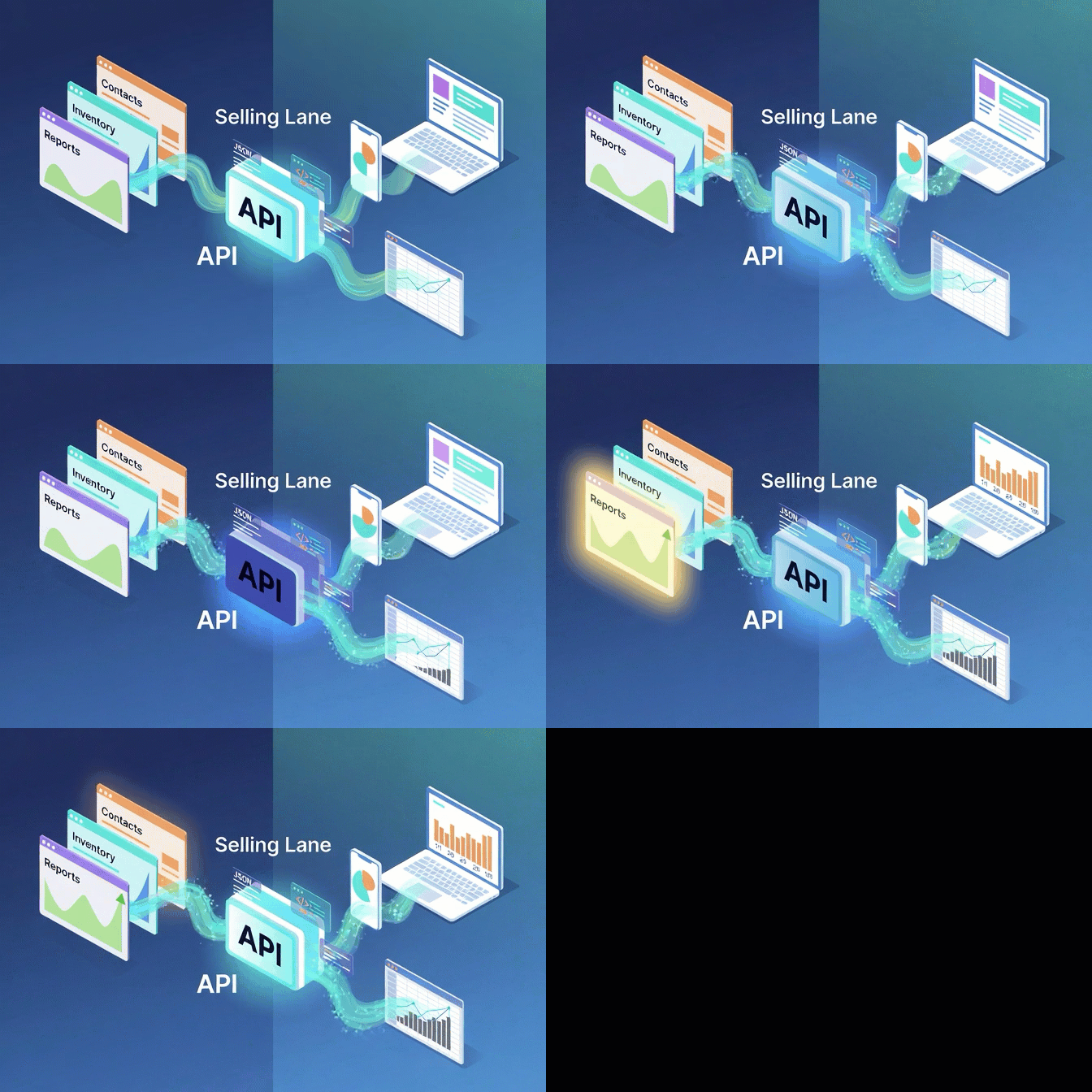
Running an auction business often means juggling information across more than one system. Contacts in one place, inventory in another, reports in a spreadsheet, and customer data somewhere else. The Auction API closes that gap by exposing your account data over a clean JSON interface so your team can pull it into the tools they already work in — without copy-and-paste, manual exports, or extra middleware.
The API is available at https://success.sellinglane.com/api/ and currently supports list and single-record access for contacts, inventory, and companies, plus full API key management — create, list, and revoke keys for separate tools, integrations, or environments. Inventory can be filtered by status (for example available, inAuction, sold) so reporting tools see exactly what they need.
Built for developers and operators alike: authenticate with a bearer token, an X-API-Key header, or a key query parameter — whichever fits your stack. List responses are paginated with page and per_page parameters and ship with metadata (total records, page number, records per page, total pages) so larger datasets are easy to walk through programmatically.
"Run auctions inside Selling Lane, then use the API to support custom reporting, internal systems, dashboards, or future integrations — another step toward a flexible auction platform for businesses that want to build their own process instead of being locked into someone else's."
Key Benefits
📦
Live Inventory Access
Pull your full lot catalog into internal dashboards or reporting tools. Filter by status — available, inAuction, sold — so each consumer gets the slice it cares about.
👥
Contacts & Companies
Sync bidder, consignor, and company records into your CRM or marketing platform. Keep your outside systems aligned with what's actually in Selling Lane.
🔐
Per-Tool API Keys
Generate separate keys for each integration, dashboard, or environment. Revoke access in seconds when a tool is retired or a contractor leaves.
📄
JSON Over HTTPS
Standard REST conventions, predictable JSON responses. Read with curl in a one-liner or wire up an SDK in your language of choice.
📑
Paginated by Default
List endpoints accept page and per_page parameters and return total counts, current page, and total pages so client code can walk every record without guessing.
🔧
Three Auth Styles
Bearer token, X-API-Key header, or query parameter. Use whatever fits the tool you're wiring up — no friction.
How It Works
1
Generate Your First API Key
Inside your Selling Lane account, create an API key and copy it somewhere safe — we only show the secret once. Create as many keys as you have integrations.
2
Authenticate Your Request
Pass the key as a bearer token, an X-API-Key header, or an api_key query parameter on every request to https://success.sellinglane.com/api/.
3
Pull the Data You Need
Hit the contacts, inventory, or companies endpoints. Filter inventory by status, paginate with page and per_page, and Selling Lane returns clean JSON.
4
Build the Workflow
Feed the response into a dashboard, a custom report, a Zap, an internal tool — whatever fits how your business actually runs.
What's Included
- JSON-over-HTTPS REST API at https://success.sellinglane.com/api/
- Endpoints: list and single-record access for contacts, inventory, and companies
- API key management endpoints — create, list, revoke
- Three authentication styles: bearer token, X-API-Key header, or api_key query parameter
- Inventory status filtering: available, inAuction, sold (and more)
- Pagination on every list endpoint: page, per_page parameters
- Pagination metadata in every list response: total, page, per_page, total_pages
- Per-integration API keys — revoke individually without disrupting other tools
- Built for dashboards, custom reports, BI tools, and Zapier-style automations
- Included on every Selling Lane plan — no developer add-on, no per-request fees