Overview
Growing auction operations often face a painful choice: pay for multiple separate software accounts (and juggle multiple dashboards, multiple buyer databases, and multiple invoicing systems), or stay cramped in a single-location setup that can't reflect how the business actually operates.
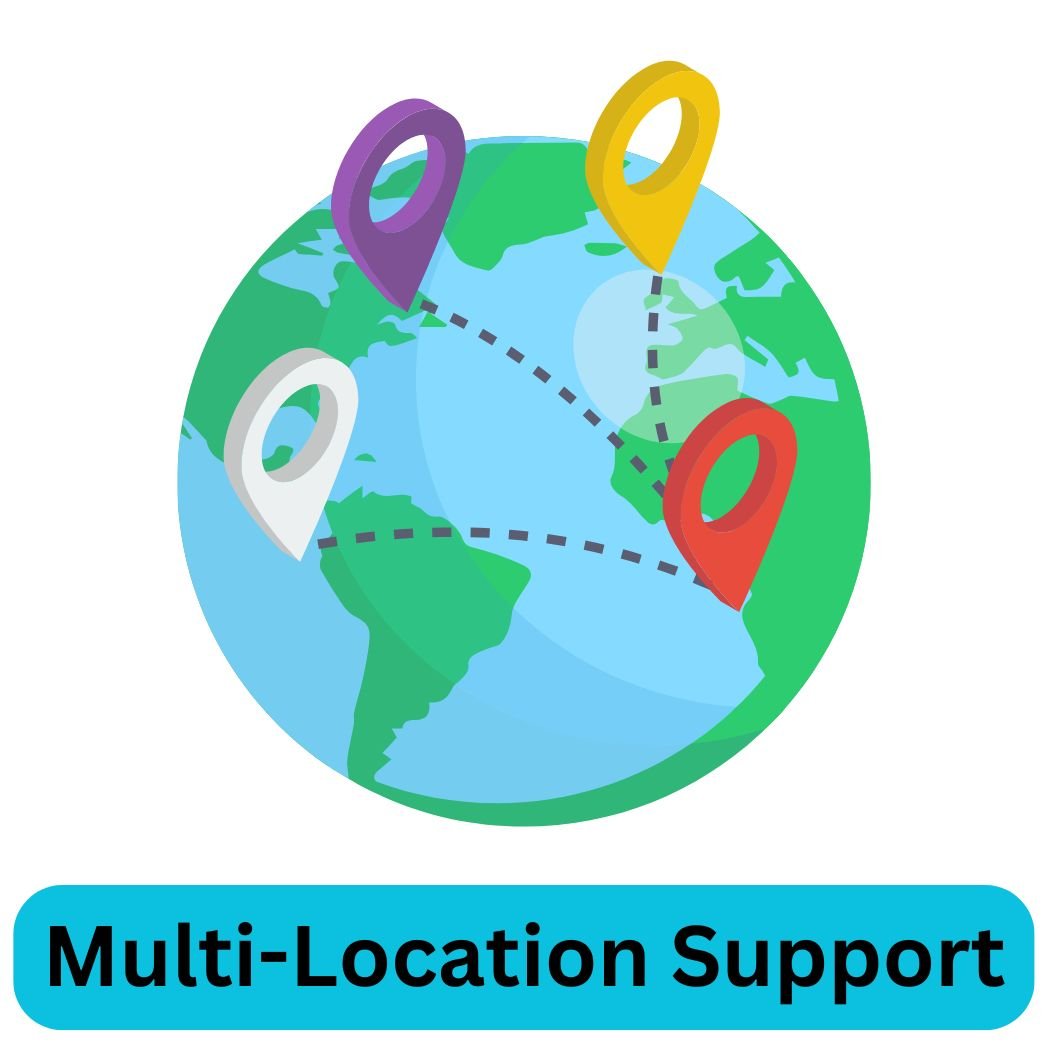
Selling Lane's multi-location support lets you run separate auction events at different physical locations — each with their own lots, schedules, and local staff access — while managing everything from one centralized account. One buyer database. One financial reporting view. One price.
For dealer groups running weekly lane sales at multiple yards, for regional auction companies with multiple facilities, or for auctioneers who work different estates across a wide geography, multi-location means your software scales the same way your operation does.
"I manage four auction locations from one account. Multi-location support was the deciding factor, and it has worked flawlessly from day one." — Carlos V., Regional Auto Auction Group
Key Benefits
🗺️
Multiple Locations, One Account
Run auctions at different physical locations simultaneously or independently — all visible and manageable from your single Selling Lane account.
👥
Shared Buyer Database
A buyer who registers at one location is in your CRM for all locations. No duplicate records, no re-registration friction for repeat buyers.
📊
Consolidated Reporting
See performance across all locations in one reporting view — total revenue, lot counts, buyer activity — or filter by location for individual analysis.
🔐
Location-Level Staff Permissions
Assign staff members access to specific locations only. Your Yard A team doesn't see Yard B data unless you grant it.
💰
No Per-Location Pricing
Multi-location support is included in your Selling Lane plan. Adding a new yard doesn't add a new line item to your invoice.
🔀
Independent Auction Schedules
Each location runs its own auction schedule independently. Simultaneous events at different locations don't interfere with each other.
How It Works
1
Add a Location
Create a new location in your account settings — name, address, and any location-specific branding or configuration.
2
Assign Staff
Add team members and assign them to one or more locations. Their dashboard shows only the auctions and data relevant to their access level.
3
Create Auctions per Location
Build auctions and associate them with the appropriate location. Buyers registering for that auction are tagged to that location in the shared CRM.
4
Manage and Report Centrally
View all locations from your master dashboard. Generate consolidated or per-location financial and performance reports at any time.
What's Included
- Unlimited locations per account — no per-location fee
- Location-specific auction creation and scheduling
- Shared buyer database across all locations — no duplicate registration
- Location-level staff access permissions
- Consolidated financial reporting across all locations
- Per-location filtered views and reports
- Independent lot catalogs and fee structures per location
- Simultaneous live auctions at multiple locations supported
- Single billing — one plan, all locations
- Location-specific branding options within the master account